Your invoices
Steps
1. Open Invoices
Tap Settings at the bottom of the screen, then tap Invoices.
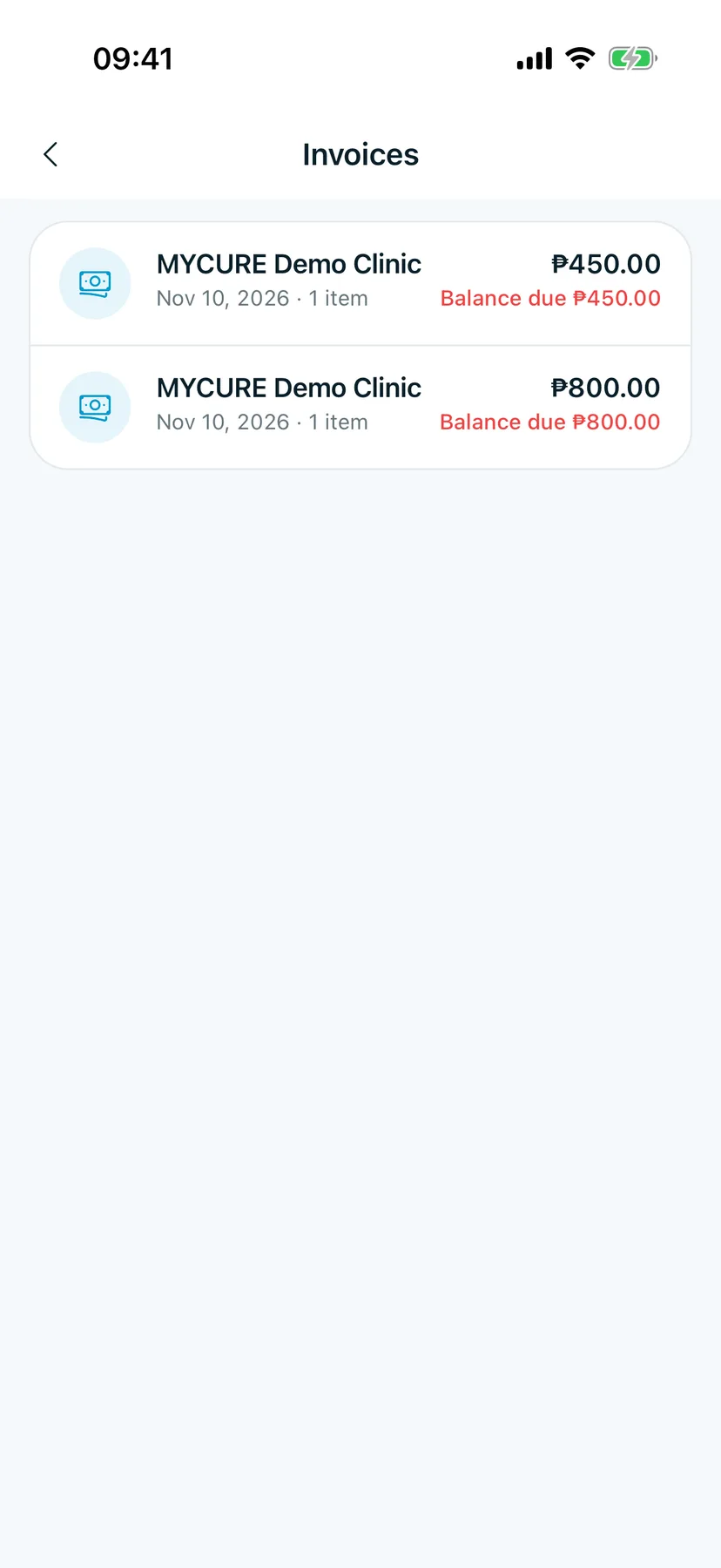
You should see: Invoices, one row per invoice, newest first.
2. Read an invoice row
Each row shows:
- the clinic, and the date and number of items,
- the invoice total on the right,
- Balance due in red when part of it is still unpaid.
Tips
Good to know
Only invoices the clinic has finished (finalized) show here. You pay at the clinic; the balance updates once the clinic records your payment.