Your profile
Steps
1. Open your profile
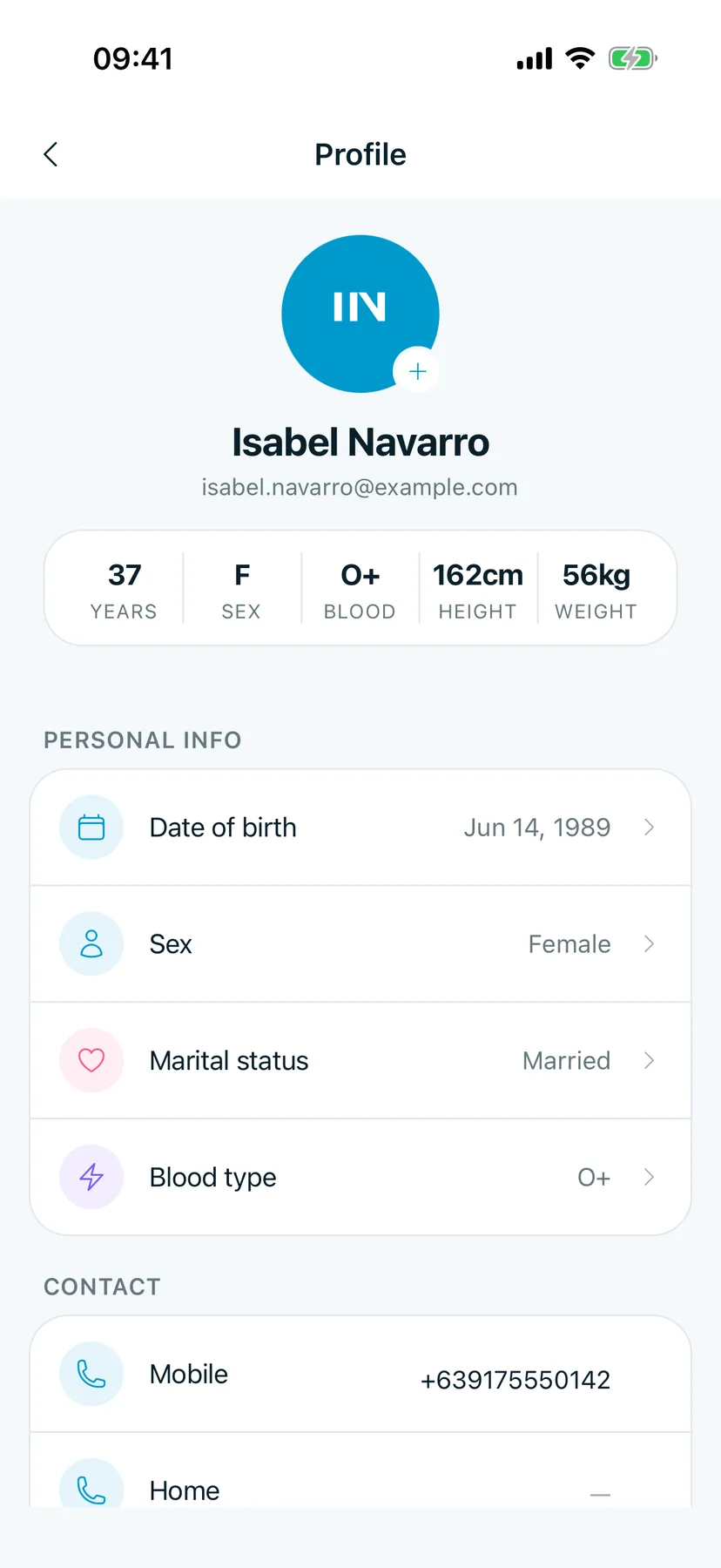
On Home, tap your initials at the top left.
You should see: Profile, with your name, email and a summary of your age, sex, blood type, height and weight.
2. Find the detail to change
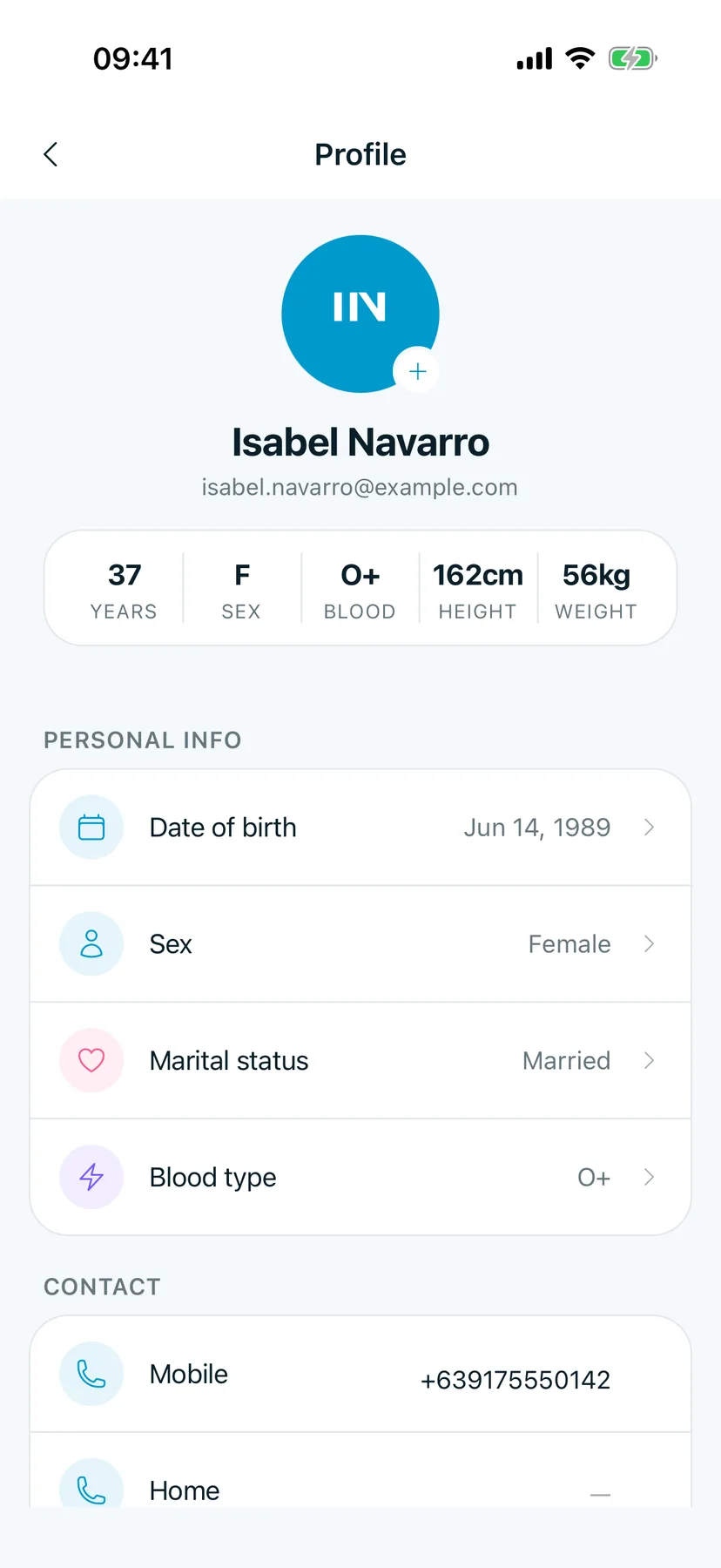
Scroll to Personal info or Contact.
You should see: Date of birth, Sex, Marital status and Blood type under Personal info, and Mobile under Contact.
3. Change a detail
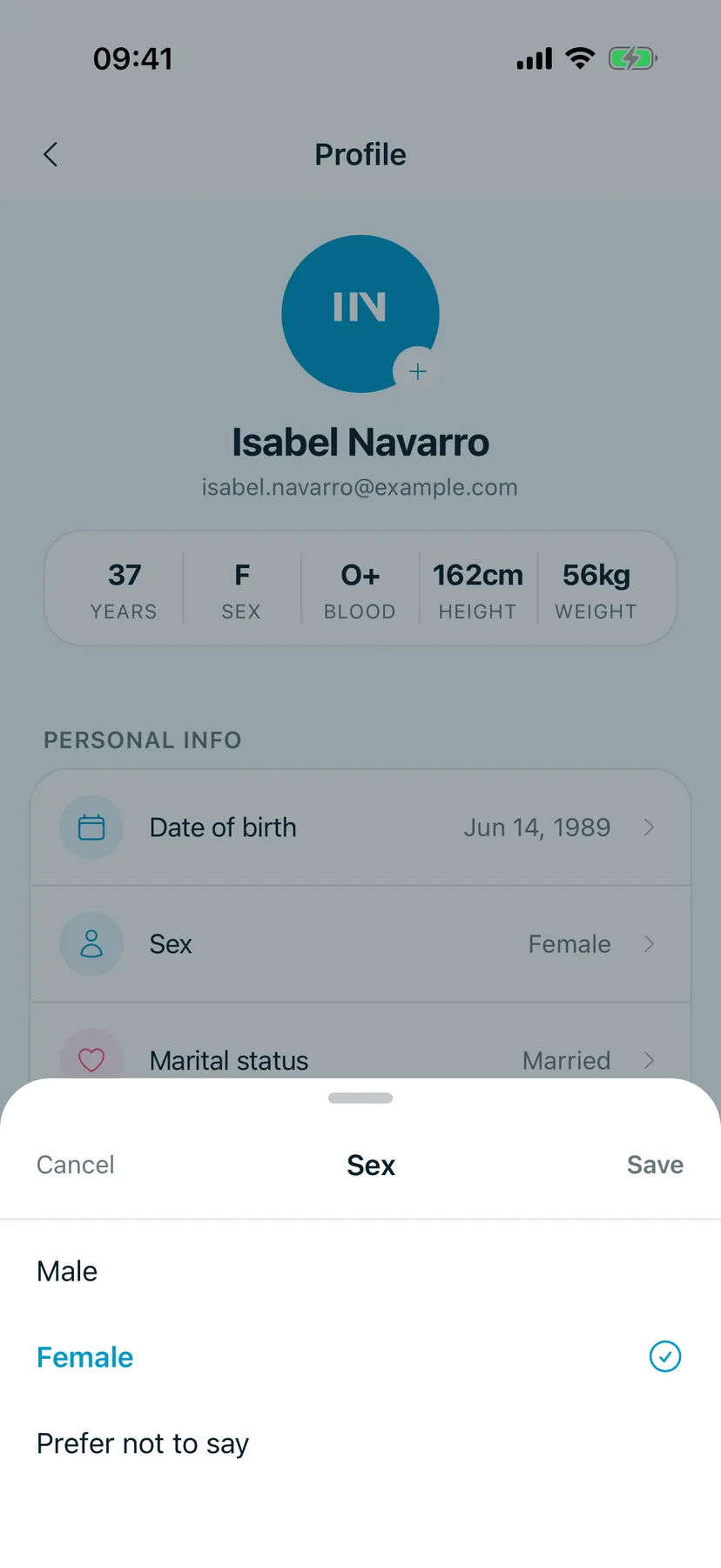
Tap a row, for example Sex. Pick the new value, then tap Save. Tap Cancel to leave it as it was.
You should see: the choices for that detail, with the current one ticked.
Tips
Add a photo
Tap the + on your initials to add a profile picture.
Good to know
These are your own details in the app. Your clinic keeps its own copy in your chart; tell them at your next visit if something changed.